
Printing · Step-by-step guide
How to Print Baby Shower Games: Two 5×7 Cards on One Sheet
Make your games easy to read and simple to trim. Here is how to print two 5×7 cards on one US Letter sheet, plus a short checklist for paper, scale and a test print.
· 6 min read
What to use
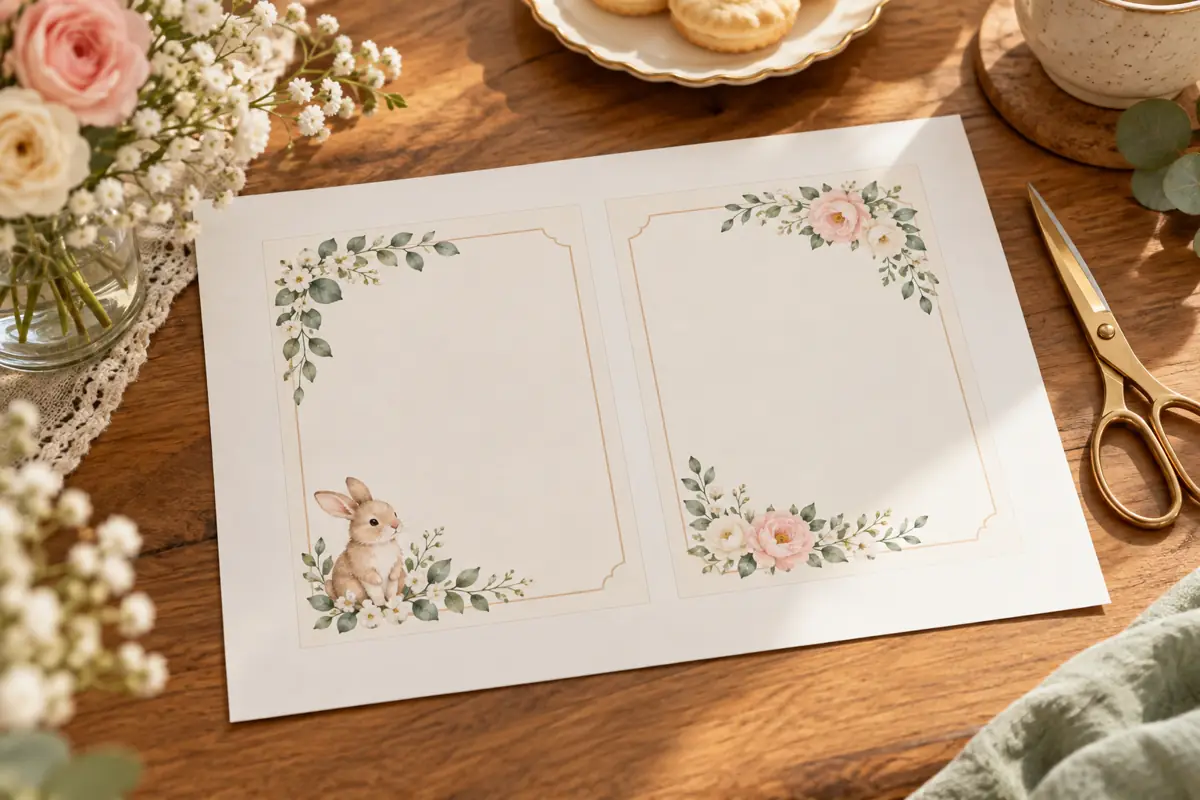
Download your games and unzip the folder. Choose TWO CARDS PER LETTER SHEET.pdf for the fastest home-print option. That file already places two full-size 5×7 guest cards side by side on each landscape US Letter page, with crop marks and a cutting guide. PRINT ALL GAMES.pdf and the Individual Games PDFs keep one 5×7 design per PDF page for other printing needs.
Print two cards on one sheet
- Open TWO CARDS PER LETTER SHEET.pdf from the download folder.
- In the print dialog, choose US Letter paper (8.5 × 11 inches). The PDF pages with guest cards are already landscape.
- Choose Actual size or 100% scale. Turn off Fit to page, Shrink oversized pages and any extra Two pages per sheet setting. The two-up layout is already in the file.
- Print one test sheet first. Measure a card: it should be 5 × 7 inches before trimming.
- When the test looks right, print the remaining pages and cut along the crop marks. Use the middle guide to separate each pair.
What happens with an odd number of cards?
If the guest-card count is odd, the last card sits centered on its own landscape letter page; it is not duplicated. Answer keys are placed on their own portrait letter pages after the guest cards. Check the preview before printing a range if you want to print only guest copies.
Choose paper and printer settings
Ordinary letter paper works for a test. For the party, choose a matte paper or cardstock your printer manual says it can handle. Print on the blank side, let ink dry, and try one sheet before loading a full stack. Use the printer's color setting if the design uses color. Leave duplex printing off unless you deliberately want a back side.
If the cards look too small or get clipped
Check that you opened the two-card PDF, selected Letter paper and printed at 100%. Do not apply the printer's own two-pages-per-sheet option to this PDF; that would put two already-paired PDF pages on one sheet and shrink four cards. If your printer cannot handle the paper or the edges clip, test on ordinary paper or use a print shop that accepts a PDF and specify 100% size.
How many copies?
For individual games, plan one card per participating guest and a few spares. For Bingo, make sure you print the distinct card pages rather than photocopying one card for everyone. Keep answer keys and instructions with the host.